Little Yogis Academy®
Educator guide · no experience needed
Create your business Instagram
Never used Instagram for a business before? No problem. Follow these seven steps and you'll have a real, working profile — ready to post — by the end of the afternoon.
Educators who set up their Instagram in the first month fill 32% more classes in their first season.
Download Instagram & create an account
Get the free Instagram app and sign up with an email just for your business, not your personal one.
Switch to a Professional account
In Settings → Account type, switch to a Professional (Business) account. It's free, and it's what turns your profile into a real marketing tool instead of a personal page.
A Professional account gives you:
- A clickable link in your bio (personal accounts can't add one)
- A 'Book' / contact button parents can tap
- Insights on which posts actually reach people
- Access to ads, if you ever want to boost a post
Choose your username
Already have a business name? Use it. Starting fresh? Use the Little Yogis Academy naming pattern so families can find you:
@littleyogis.yourname
e.g. @littleyogis.maria
@littleyogis.yourcity
e.g. @littleyogis.austin
You can also use your own business name instead.
Write your bio
Your bio should always say clearly that you're a certified Little Yogis Academy® educator offering classes in your community. Copy this template and fill in your own details.
🧘 Certified Little Yogis Academy® Educator
Kids yoga & mindfulness classes in [Your City]
Schools · childcares · camps · birthdays
👇 Book a class
Add your profile photo & link in bio
Use a real photo of you teaching, or the Little Yogis Academy logo if you're just starting out. For the link in bio, add your educator microsite from the Little Yogis Academy website — that's where families go to see your schedule and book.
Link in bio
littleyogisacademy.ca/your-name
Set up your highlights
Highlights sit right under your bio and help new visitors get oriented fast. Use our icons below, or drop in your own photos.
Register

Enrichment
Yoga Camp

Birthdays
Events

Giving Back
Resources
Post your first week
Use your own class photos where you can. No photos yet? Start with these — swap them in as you go.
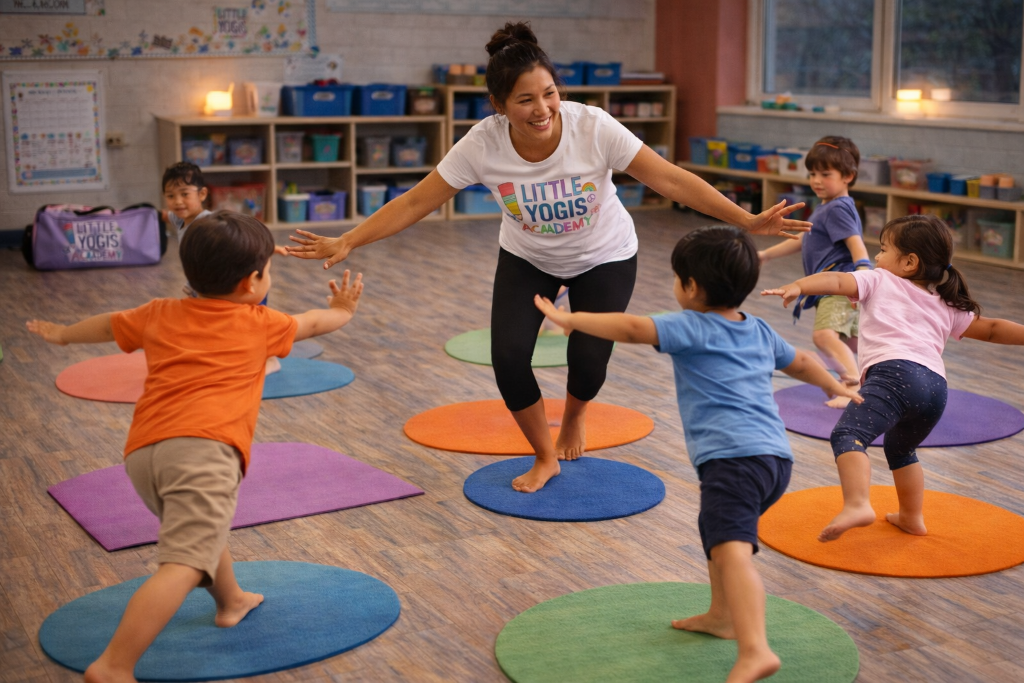
A real moment from class — kids mid-pose, smiling.
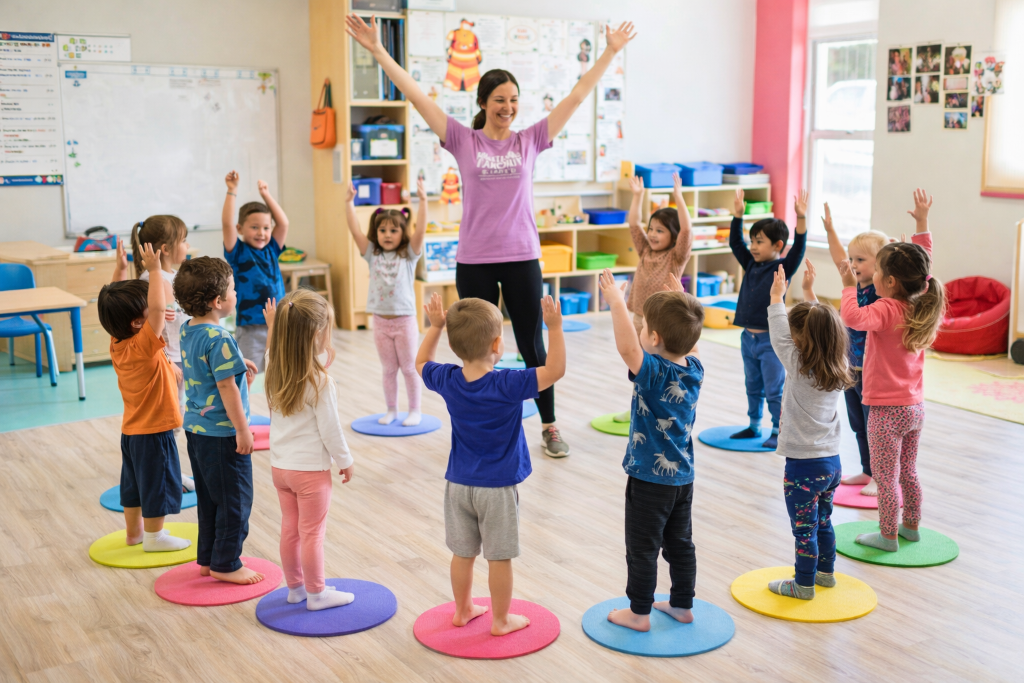
Introduce yourself: your name, your why, your first session date.
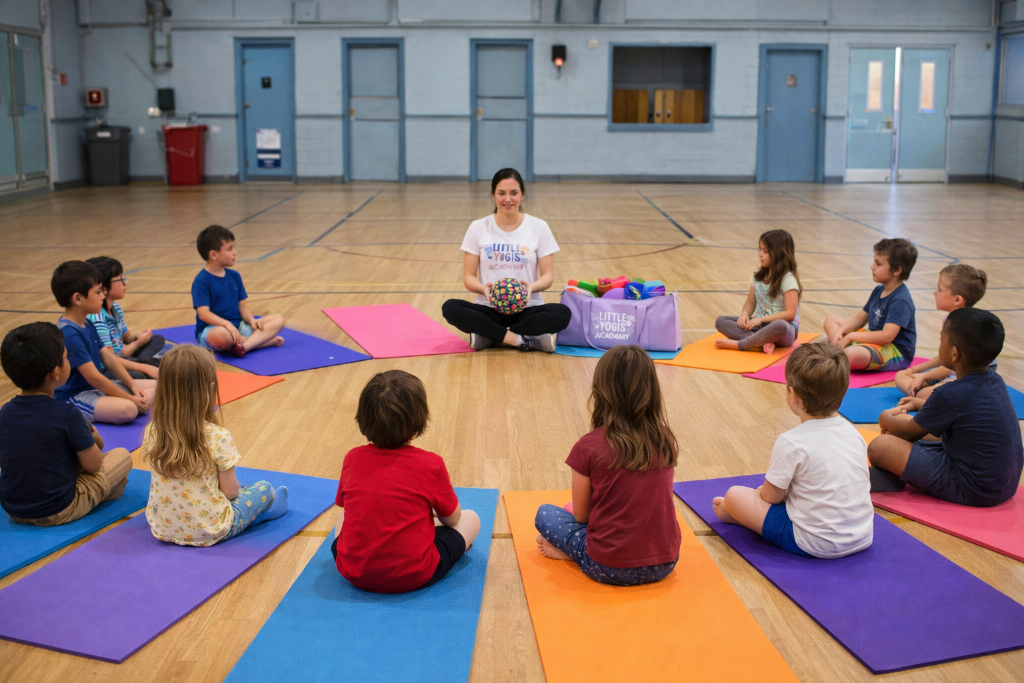
A simple 'book now' post linking to your microsite.
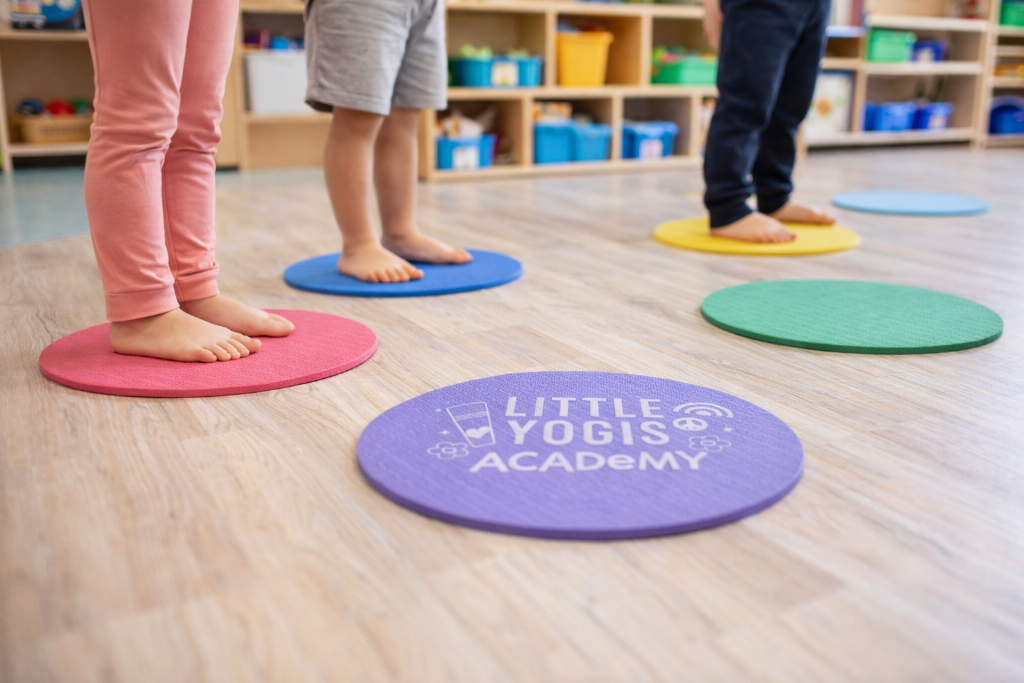
Set the scene: colorful mats and happy feet — this is what class looks like.
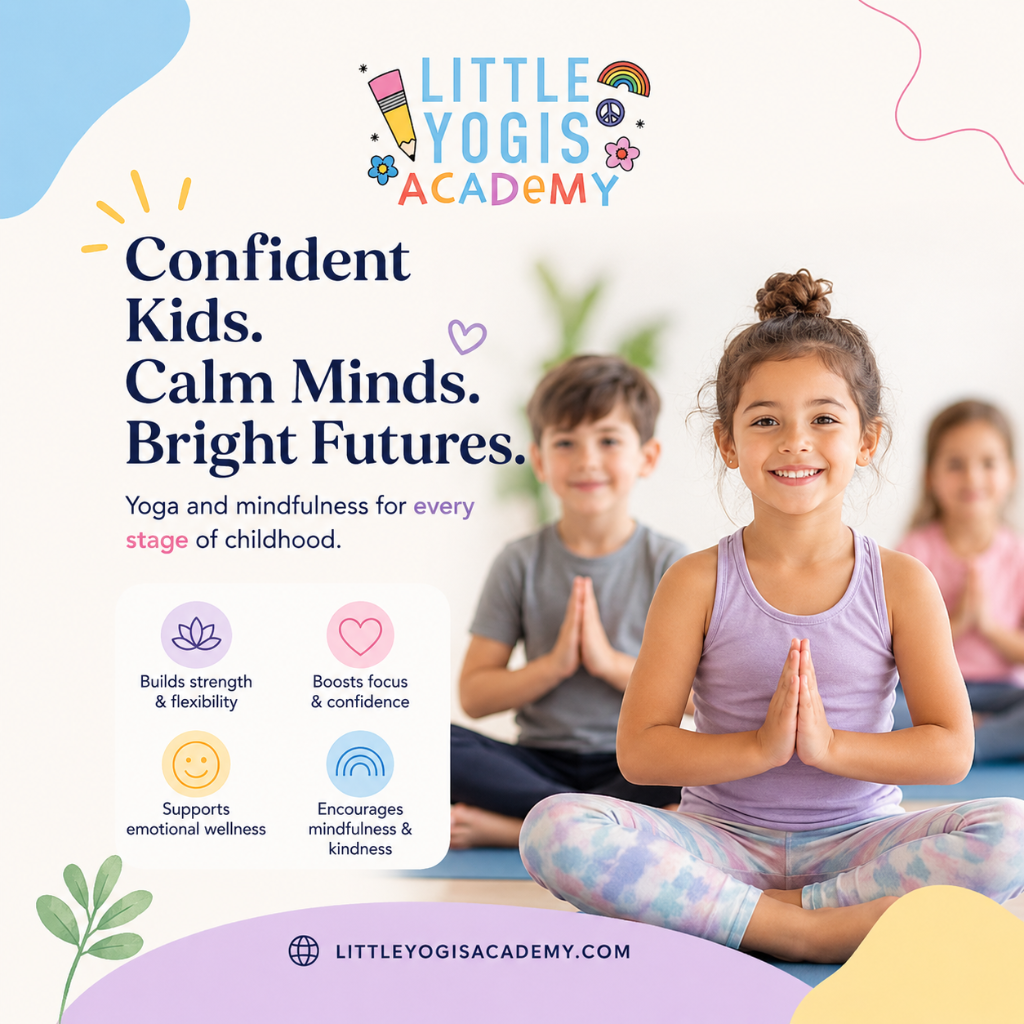
Share why yoga matters — a quick, shareable graphic parents love.
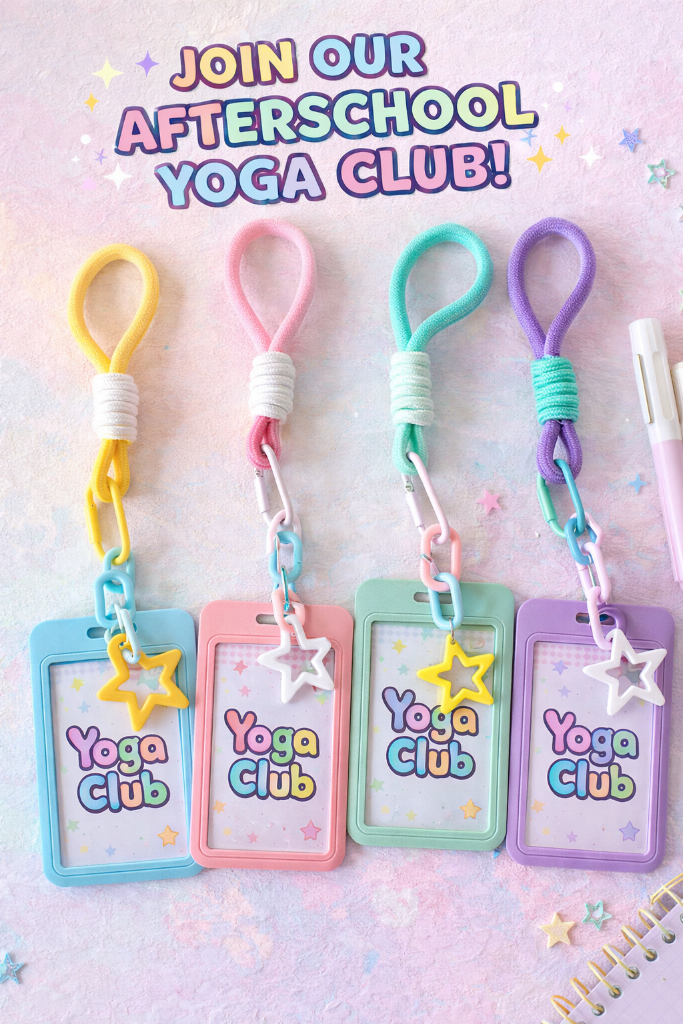
Promote your afterschool club or next session with a fun flyer.
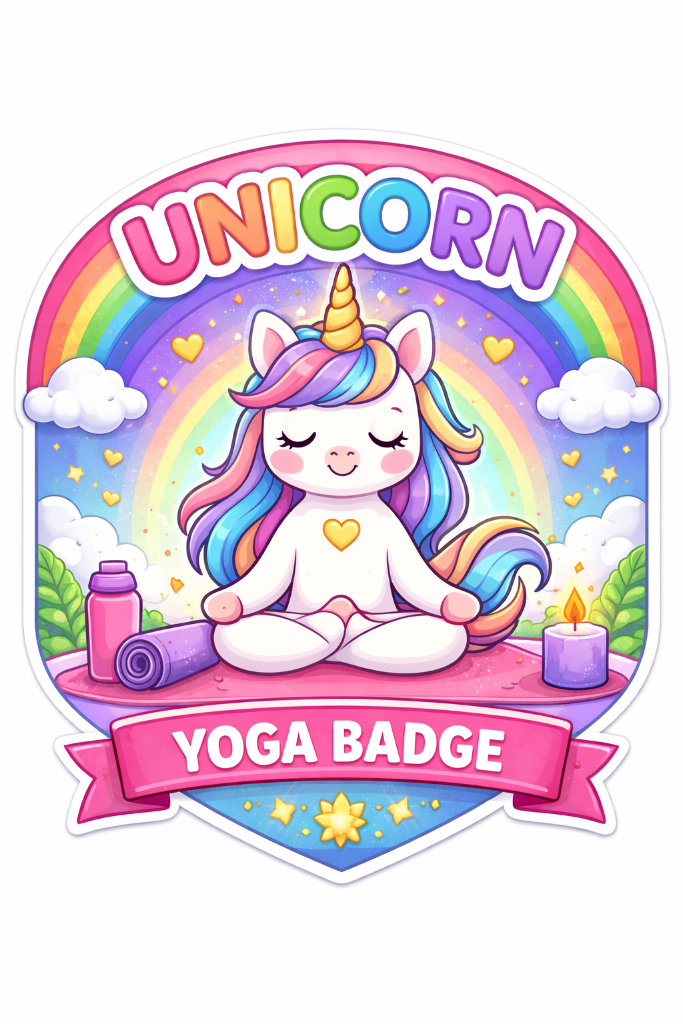
Celebrate student milestones with fun reward badges.
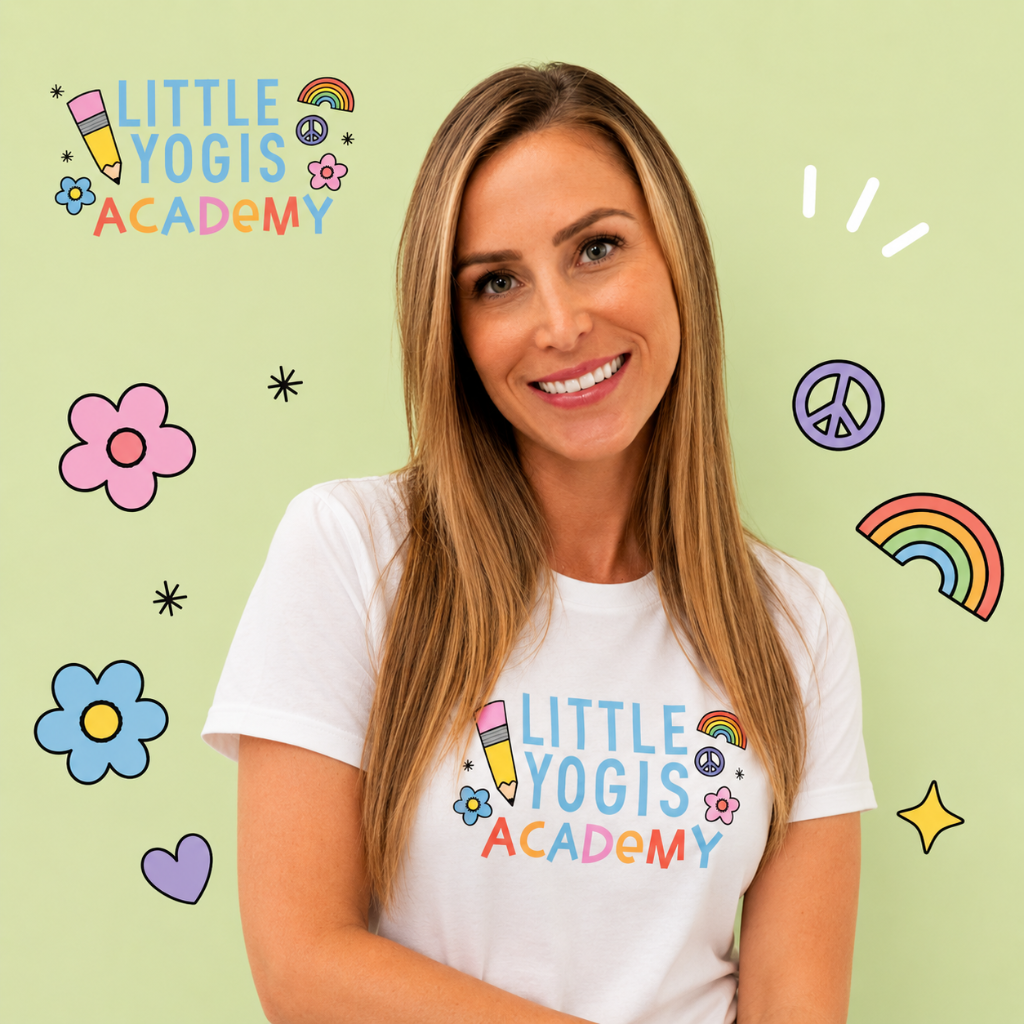
Show off your branded gear — parents love seeing the real deal.
Need more graphics? Subscribe to our Canva library!
Unlimited branded templates for flyers, story frames and post covers — updated all season long.